


PowerPoint Presentations for Business Meetings - Tips
- shems sheikh
- Digital Marketing
- 2026-08-05 23:54:14
- 2228K
Important meetings are more than just basic presentations. Your slides can influence how your ideas are received, whether it is for pitching investors, convincing a client to sign a deal, or presenting quarterly results. This blog will tell you why outdated presentations are failing, what things can separate memorable presentations from forgettable ones, and the practical steps to create slides that can hold attention and inspire action.
You may have seen it before: the lights dim, and someone opens a PowerPoint that is filled with generic templates and tiny text; just within minutes, half of the room has mentally checked out. The problem is not about the PowerPoint itself, but about how most of the people use it. The main role of a presentation is to support your message, not to compete with it or bury it using cluttered slides, whether it is a business meeting or sales presentations in the UAE.
Why Basic PowerPoint Presentations No Longer Work
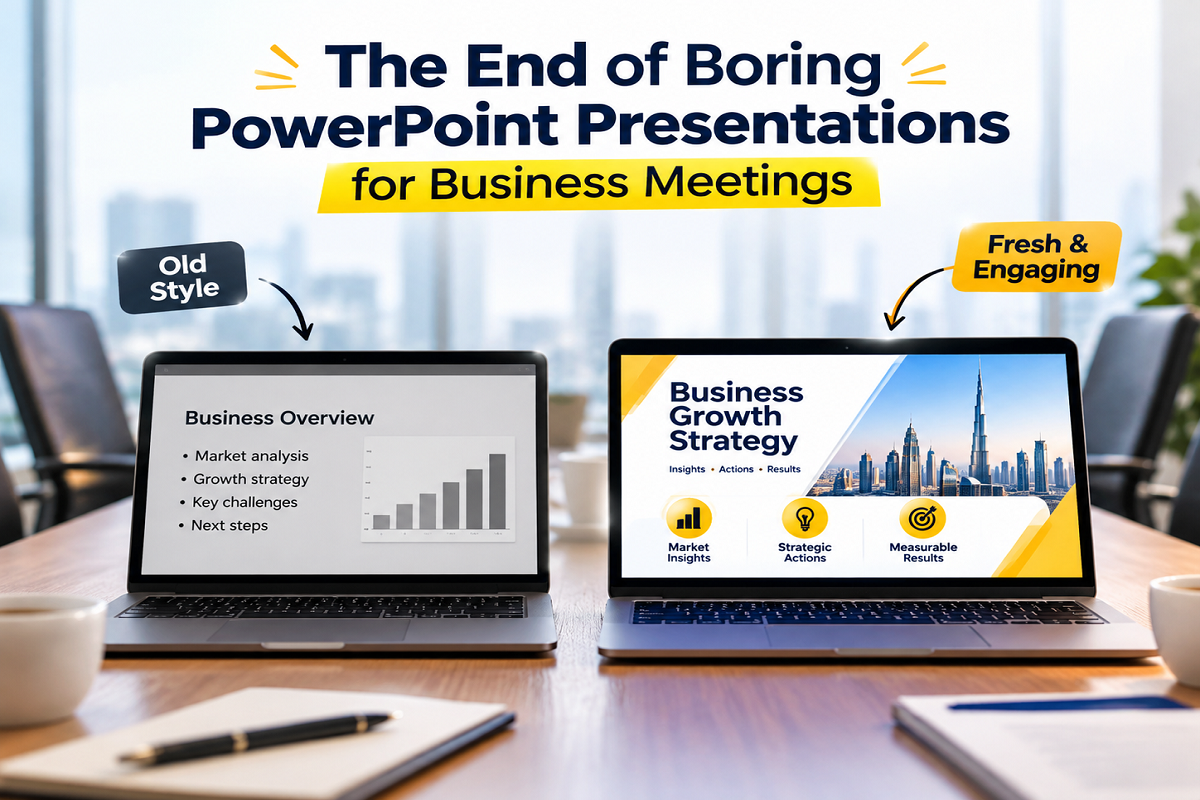
The way of communication in business has changed over the years. The information should be clear, engaging, and visually appealing, not overwhelmed by walls of text. A presentation is about guiding the conversation instead of becoming the conversation itself.
- Audiences Lose Interest Quickly
During meetings, attention spans are often limited. People will stop listening and start reading, sometimes even start checking their phones, if each slide looks the same and contains paragraph after paragraph. A strong presentation will minimize the visual distractions and direct the audience's attention towards the speaker's message.
- Too Much Information Creates Confusion
Most of the presenters think that adding more content can make them look prepared, but in reality, it forces the audience to process multiple ideas at once. Incorporating one clear message in each slide is far better than trying to explain everything simultaneously.
- Generic Templates Leave Little Impact
If you use default themes and ready-made layouts, your presentation can end up looking like many others. People who attend several meetings in a day often see the same designs again and again. Small changes such as better spacing, original visuals, and matching brand colours can make a noticeable difference. The same goes for a book cover designer. A custom cover gives a book its own identity instead of making it look like every other title on the shelf.
- Data Without Context Falls Flat
Adding numbers and charts along are not enough to persuade people. It is important to tell decision-makers why data matters. You should highlight the key insight first, then explain how it supports your recommendation, rather than presenting complex spreadsheets.
- Your Presentation Reflects Your Brand
The role of each presentation is to communicate something about your business. Well-crafted presentation slides demonstrate preparation, confidence, and attention to detail. Poor design of the slides can directly signal the opposite, even if it contains excellent underlying ideas.
What Makes an Important Presentation Memorable
Making great presentations does not mean to build it around flashy animations. Professional PowerPoint designers are making design choices that support the speaker's message and help the audience to follow the story naturally from start to end.
- Tell a Story Instead of Listing Facts
People don't remember isolated statistics, but stories far better. Start your challenge by explaining the journey and finish it with the outcome. Using this simple narrative structure will keep your audience emotionally engaged and make complex information easy to understand.
- Focus on Visual Simplicity
If you use a clean layout, they will create breathing room. Adding large headings, carefully selected images, and meaningful icons can communicate ideas much faster than lengthy paragraphs. If your slide looks simple, it will encourage your audience to spend more time listening and less time decoding the information.
- Use Consistent Design Elements
Your design elements, like colors, typography, and spacing, should remain consistent throughout the information. These elements will combine together and make a polished appearance and prevent unnecessary distraction. Maintaining consistency will help you reinforce your company's visual identity without drawing attention away from the message.
- Support Your Message With Real Examples
Your presentation can become much stronger if you pair the practical examples with the abstract ideas. Use customer success stories, before-and-after comparisons, and real business results to help your audience connect the theory of your presentation with reality and build credibility.
- Keep the Speaker at the Center
Your presentation slides should not replace the presenters. They just exist to reinforce the key points and allow you to explain details in depth naturally. If your audience can understand everything just by reading the slides along, then it is a sign that you have included too much content in your presentation.
Steps to Transform Your PowerPoint Into a Powerful Presentation
Enhancing your presentations does not require advanced designing skills. If you make some minor changes to your presentation, it will enhance clarity, engagement, and audience response.
- Define One Clear Objective
You should focus on what you want from your audience after the meeting before designing the slide. Every slide of your presentation should contribute to a single objective, instead of unrelated information.
- Build an Easy-to-Follow Structure
Must organize your presentation with a logical beginning, middle, and end. Begin by introducing the problem, exploring the supporting evidence, adding your solution, and ending with a clear recommendation or next step.
- Replace Text With Visual Communication
Don't just copy your notes onto slides, but use charts, high-quality visuals, diagrams, and timelines wherever possible. Adding these elements can simplify the complex information will makee your presentation far easier to follow.
- Practice Before the Meeting
If the presentation is designed very well, it can also lose its impact without preparation. You must rehearse your delivery, anticipate likely questions, and check slide transitions. Your confidence can only come from familiarity, not improvisation.
- End With a Clear Call to Action
You should not leave your audience wondering what will happen next. You should finish your presentation with one direct action, whether it is about approving a proposal, beginning implementation, or sales presentations UAE. Featuring clear endings will make your presentations far more effective.
Common Mistakes That Undermine Great Ideas
Even most experienced professionals make those presentation mistakes that reduce the impact of business ideas. Recognizing these habits is the fastest way to enhance your future meetings.
Reading Directly From the Slides
Your audience can read much faster than you can speak. If you read each word aloud, it can quickly become repetitive and disconnect the audience from the conversation. Use your slides as prompts and naturally expand each point in your conversation.
- Overusing Animations and Effects
Fancy transitions in your slides can rarely improve the audience's understanding. Too many animations can distract the audience from the content and make your presentation look less professional. Simple movements of your slides should elevate the communication, instead of competing with it.
- Ignoring Audience Needs
A presentation should not only focus on what the presenter wants to say, but it should also answer the audience's questions. Think about what information matters most to decision-makers and tailor your content to align with them.
- Skipping Visual Hierarchy
If each element of your slide looks equally important, then nothing will truly stand out. You must use colors, size, and spacing strategically to guide your viewers towards the most essential information first.
- Forgetting to Invite Discussion
The strongest meetings or presentations are not just lectures, but they are conversations. They leave room for the audience to question, adapt your explanation, and encourage feedback based on your audience's reactions. Engagement with your audience can often lead to better decisions.
Frequently Asked Questions
- Why are basic PowerPoint presentations considered to be ineffective?
Basic PowerPoint presentations often contain generic designs, too much text, and cluttered layouts that make it difficult for the audience to stay engaged or remember all the key messages of the meeting.
- How many words should I add to each slide?
There is no fixed rule for word count, but you should keep your text brief and focus on one idea per slide. It will help you lead to better audience engagement.
- Should I use professional designing software instead of PowerPoint?
No, PowerPoint is one of the most powerful tools if you use it thoughtfully with clean layouts, strong visuals, and a clear presentation structure.
Conclusion
Using a basic PowerPoint presentation is not enough for those sales presentations UAE where important decisions are made. Add a clear message, thoughtful design, and confident delivery to create a presentation that persuades your audience, not just informs. You can turn your ordinary presentations into a memorable experience just by simplifying your slides, telling a compelling story, and focusing on your audience's needs for meaningful results.
When you prepare for an important meeting, don't ask where your slides look good. You should ask your audience whether it helps them to understand, trust, and act on your message. Just a simple change in your presentation can significantly change the overall outcome of your presentation.
2228 people like this



About Premium Author
This post has been authored and published by one of our premium contributors, who are experts in their fields. They bring high-quality, well-researched content that adds significant value to our platform.
Leave a Reply
Please login to post a comment.








0 Comments